
Flick & smash
Fast reactions. Satisfying collisions. Turn a falling pile into your next combo.
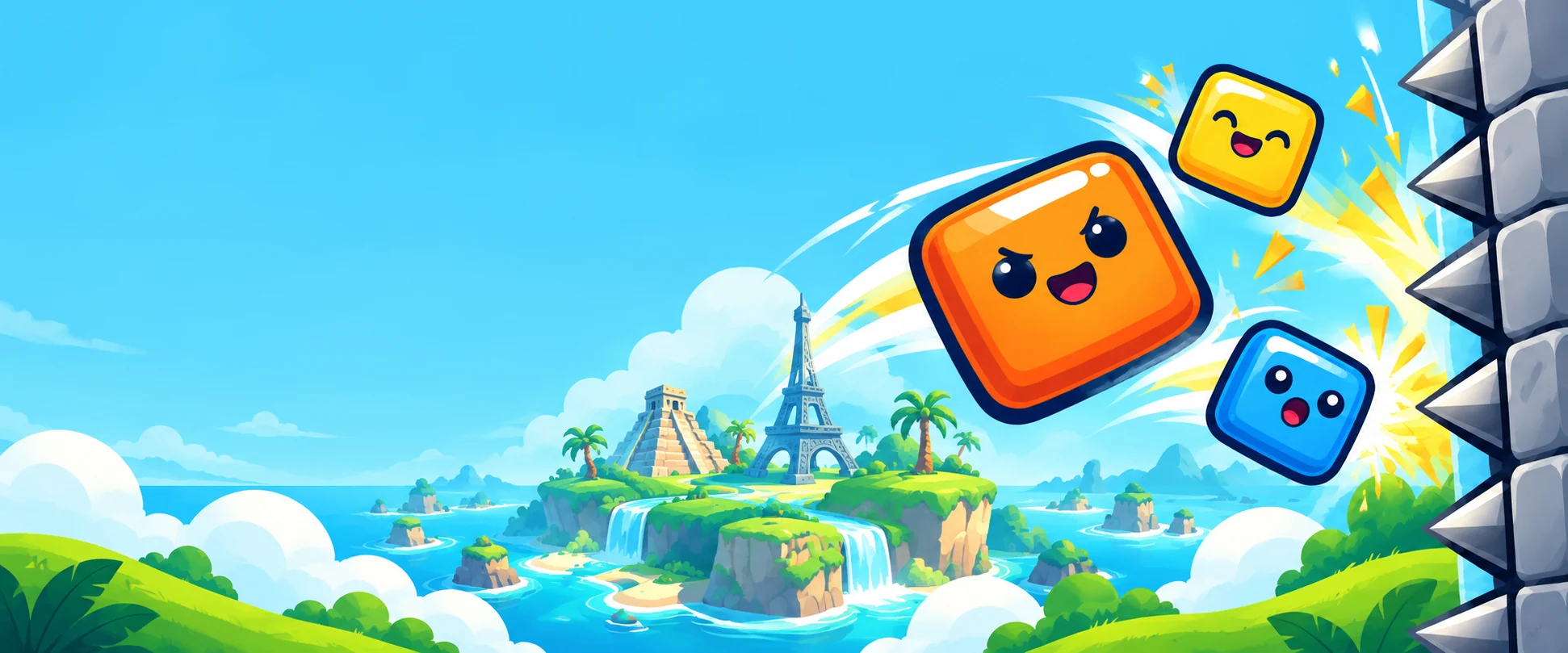
Falling blocks. Wild combos. A floor worth fighting for.
Meet your next pocket-sized arcade adventure.
Swipe blocks into spikes, glue and walls. Chain your hits, protect the floor and journey through colorful destinations. Or jump into Endless, aim your turret and see how long you can hold on.
Fast reactions. Satisfying collisions. Turn a falling pile into your next combo.
Travel through a growing collection of illustrated worlds, with special blocks and bosses along the way.
Keep your turret cool, land your shots and push for a new personal best.
Try a 45-second taste of Endless. Move to aim. Your turret handles the shooting.
A simplified browser sample. The Android game adds upgrades, power-ups, bosses and longer runs.
Take the full game with you ↗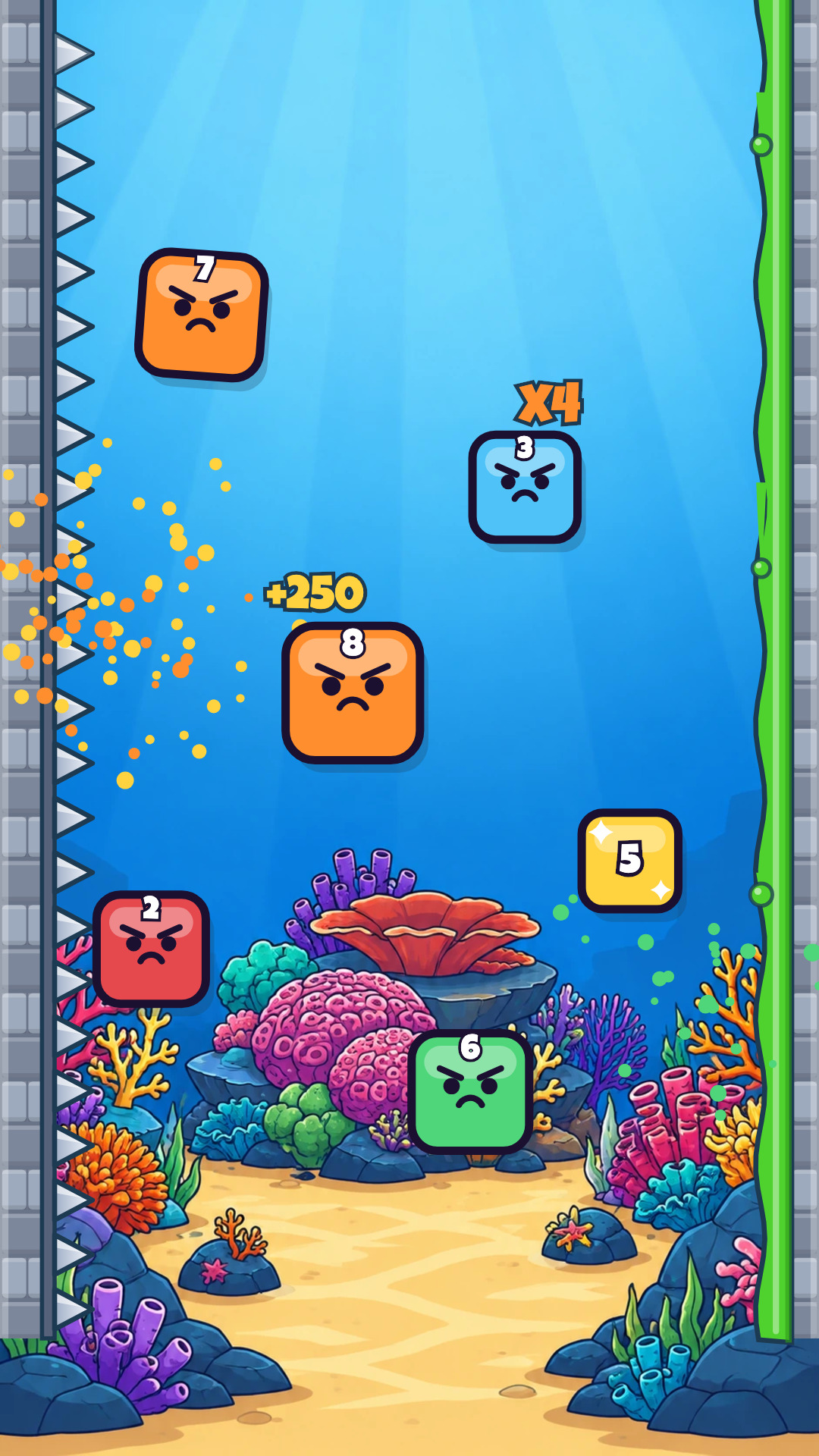
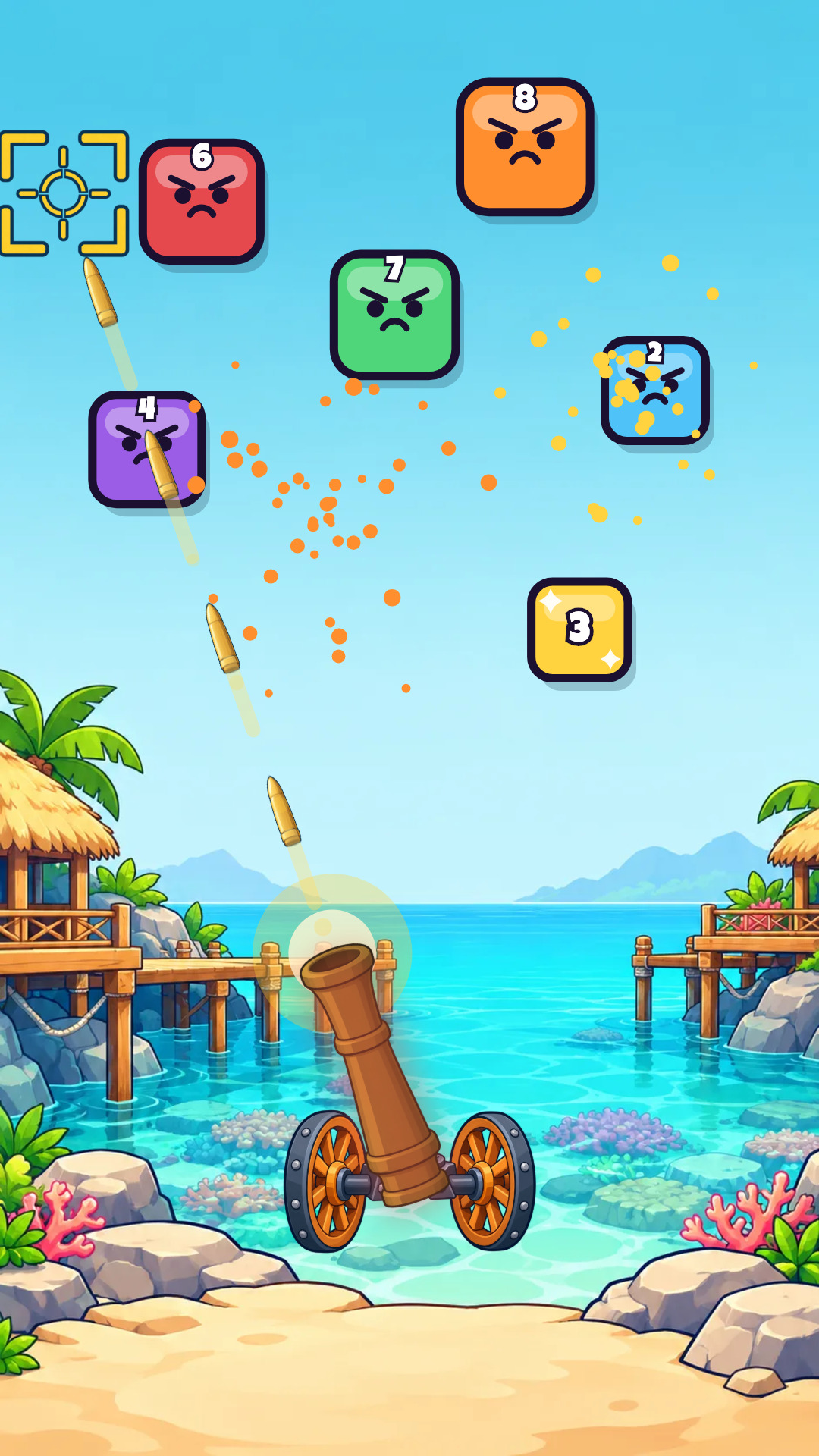
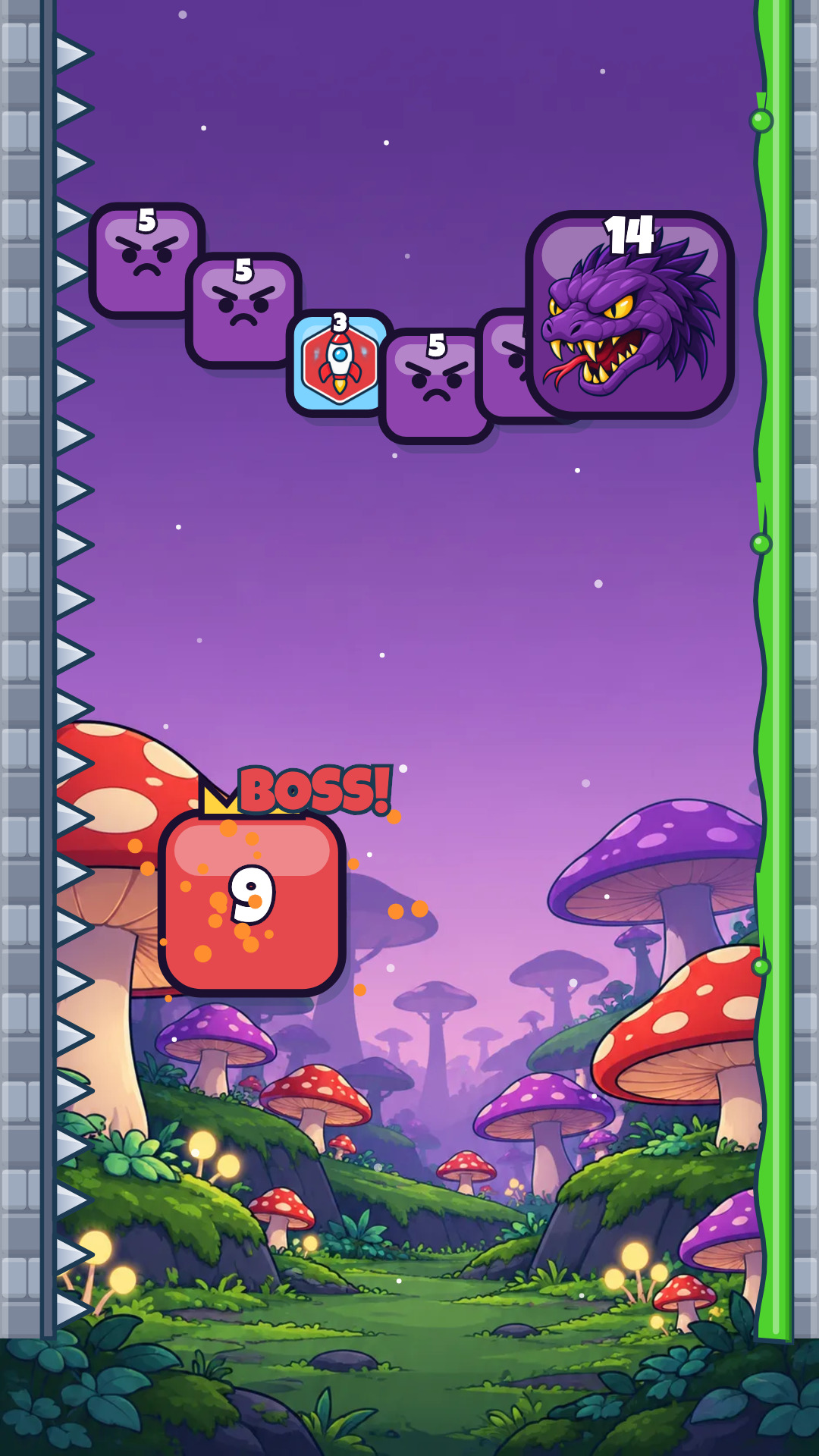
Promotional frames use artwork and gameplay rendered by the game.
Block Flick is a cartoon arcade game for Android. Flick falling blocks into wall hazards, protect your floor, and take on an Endless turret run.
Move your finger or mouse across the demo to aim. The turret fires automatically. Destroy falling blocks and keep your floor standing for 45 seconds. You can also use the arrow keys.
Block Flick is free to play, with advertising and optional in-app purchases. The browser demo is free and has no purchases or ads.
Journey and Endless gameplay can be played offline. Purchases, leaderboards, cloud features, and some daily content need an internet connection.
Use the Google Play button on this page. Availability depends on your country and the current release or testing track; closed testing may require a tester invitation.
Open Settings in the Android app and choose Delete my data, or visit the deletion page on this website. You can remove your authenticated profile or submit a request if you no longer have the app.
During closed testing, access may require a tester invitation. The demo is open to everyone.